Online photo editor for everyone
Edit your photos with professional tools. No experience needed – just upload and create stunning visuals in seconds!


100k+ happy users
✨ Discover Popular Features
Face Enhancer
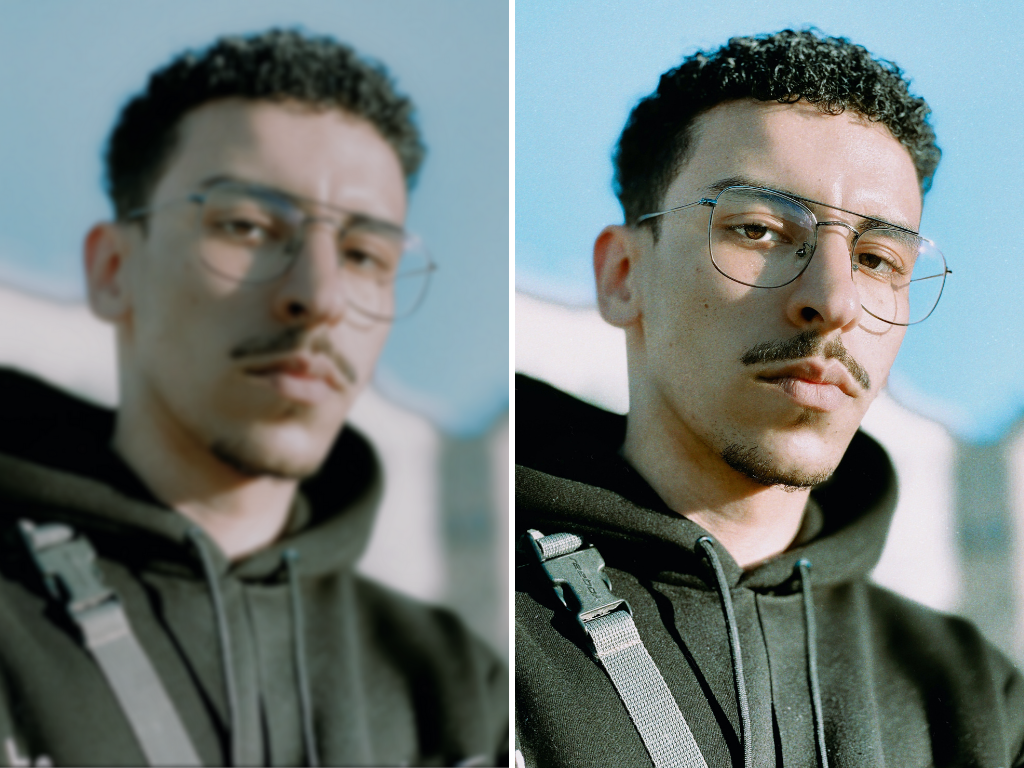
Enhance Faces with Precision
Transform portraits instantly with intelligent face enhancement technology that preserves natural beauty while improving every detail.
- Automatic skin smoothing and texture refinement for flawless portraits
- Smart lighting correction that brings out the best in every face
- Preserve natural facial features and expressions while enhancing quality
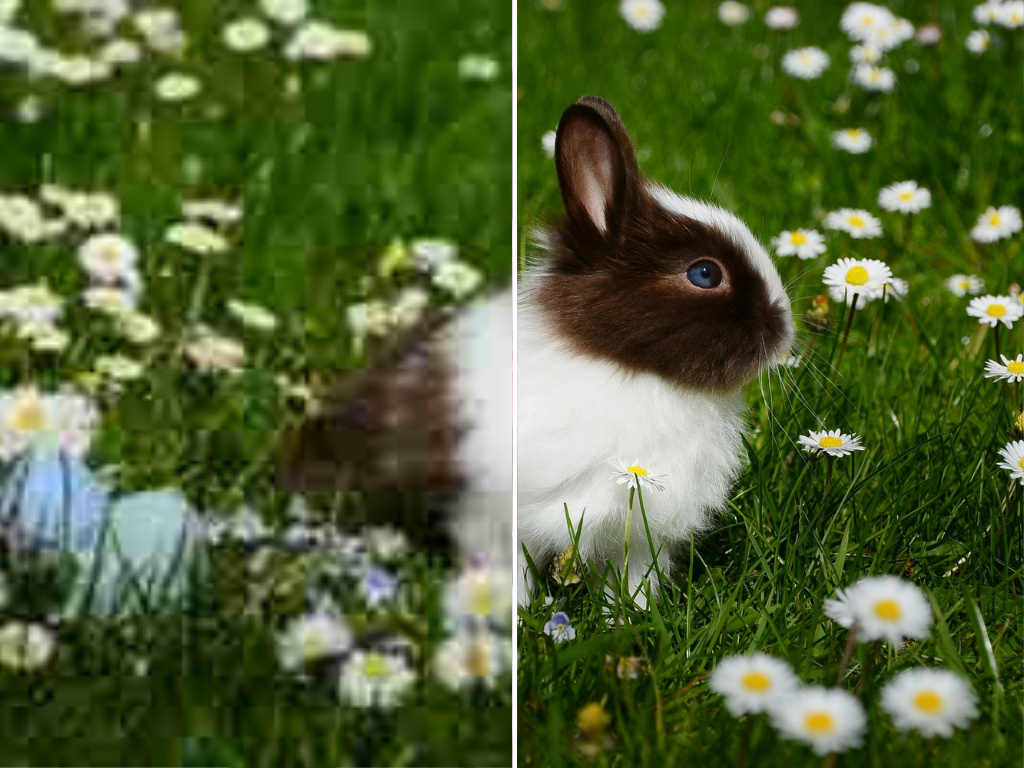
Image Upscaler
Upscale Images to 4K Quality
Increase image resolution up to 4x without losing quality. Perfect for enhancing old photos or preparing images for large format printing.
- Resolution enhancement up to 4x original size
- Preserve fine details while eliminating pixelation and artifacts
- Batch processing capability for multiple images at once
Background Remover
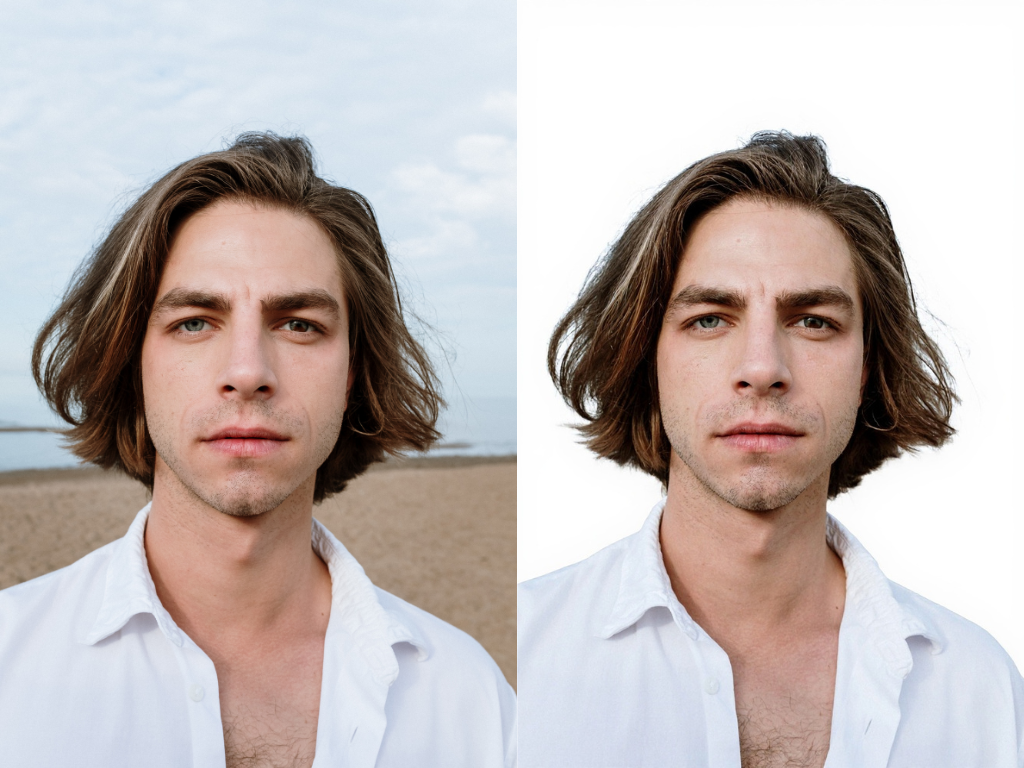
Remove Backgrounds Instantly
Professional background removal in seconds with precision. Perfect for product photos, portraits, and creating transparent PNGs.
- One-click background removal with 99% accuracy
- Precise edge detection for complex subjects including hair and fur
- Replace backgrounds with solid colors, gradients, or custom images
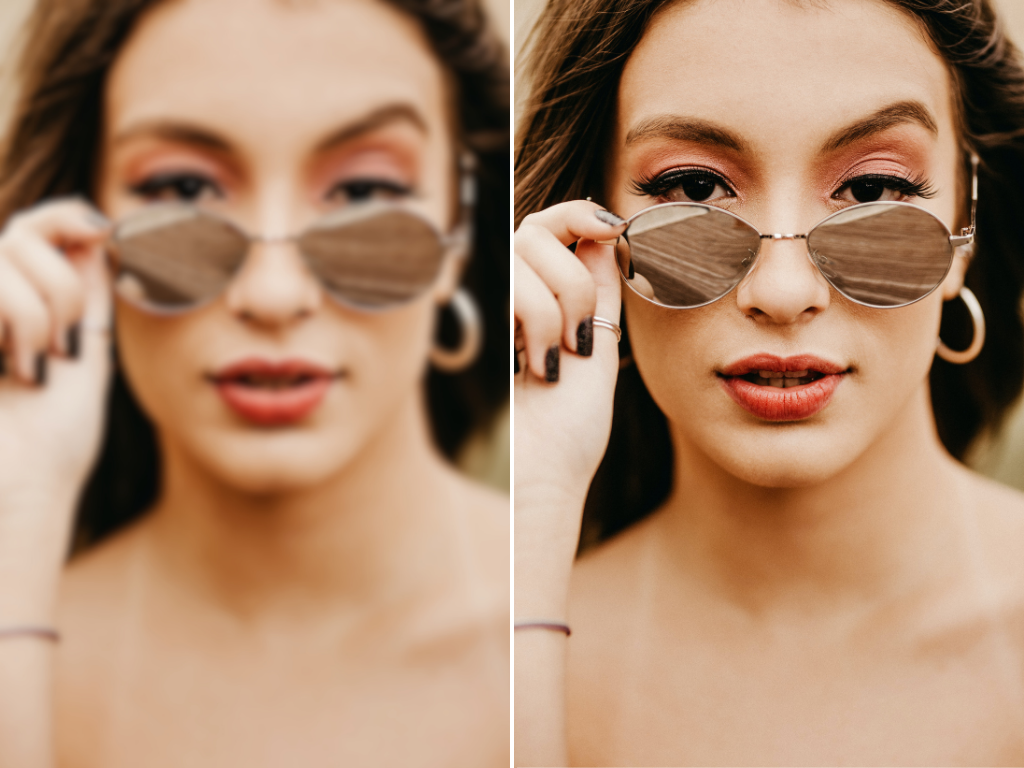
Unblur Images
Restore Clarity to Blurry Photos
Advanced deblurring technology that brings your blurry photos back to life. Fix motion blur, camera shake, and out-of-focus shots.
- Fix motion blur and camera shake with advanced algorithms
- Restore focus to blurry subjects and backgrounds
- Intelligent detail recovery that reveals hidden information
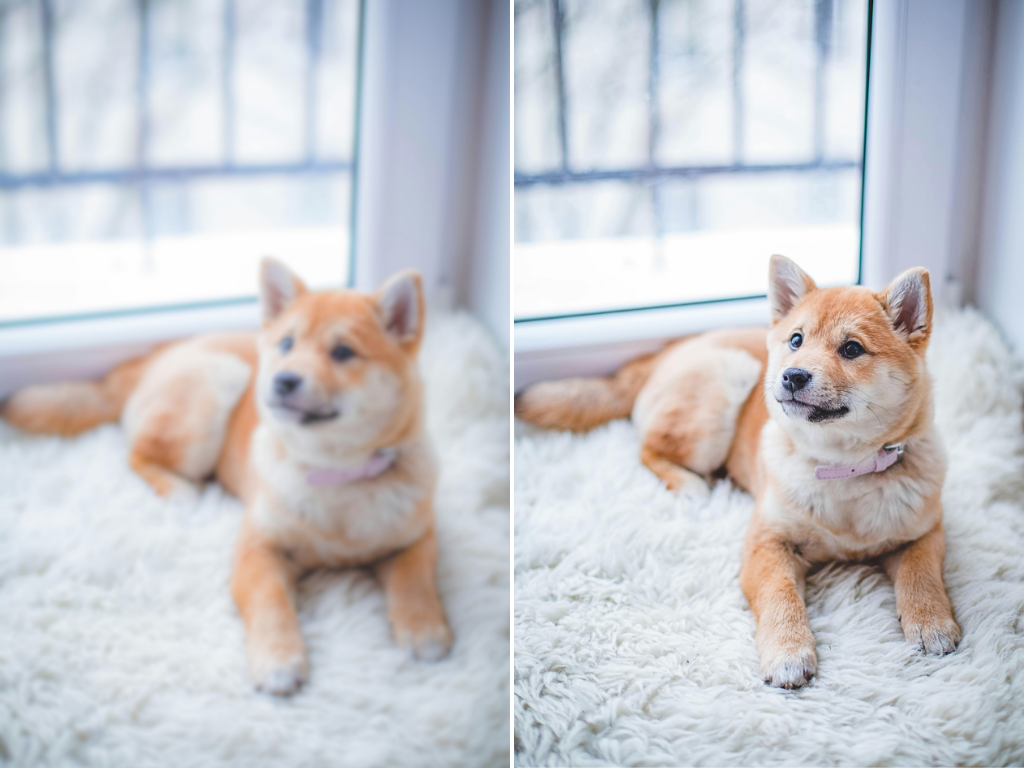
Image Sharpener
Sharpen Images for Crystal Clarity
Enhance image details and edges for professional-quality results. Make your photos more visually striking with intelligent sharpening.
- Smart edge enhancement algorithm for natural-looking results
- Adjustable sharpening intensity with real-time preview
- Preserve image quality while enhancing clarity and detail
How to edit photos with Snipz Editor?
With our free image editor, you can edit photos online in just 3 simple steps.
Upload photo
Upload or drag and drop a photo to start editing. Support JPG, PNG, WebP and more formats with instant preview.
Step 1 of 3
Edit photo
Adjust lighting, color, and exposure, apply photo effects, and customize your photo with text, stickers, and more.
Step 2 of 3
Download & share
Download your edited photo in high-quality JPG, PNG or PDF formats and share it instantly on social media.
Step 3 of 3
All the photo editing tools you need in one place
Discover the powerful and awesome image editing features of our free photo editor for desktop & mobile. Whether you're a professional photographer or just looking to spruce up your social media feed, Snipz Editor has everything you need to craft stunning visuals.
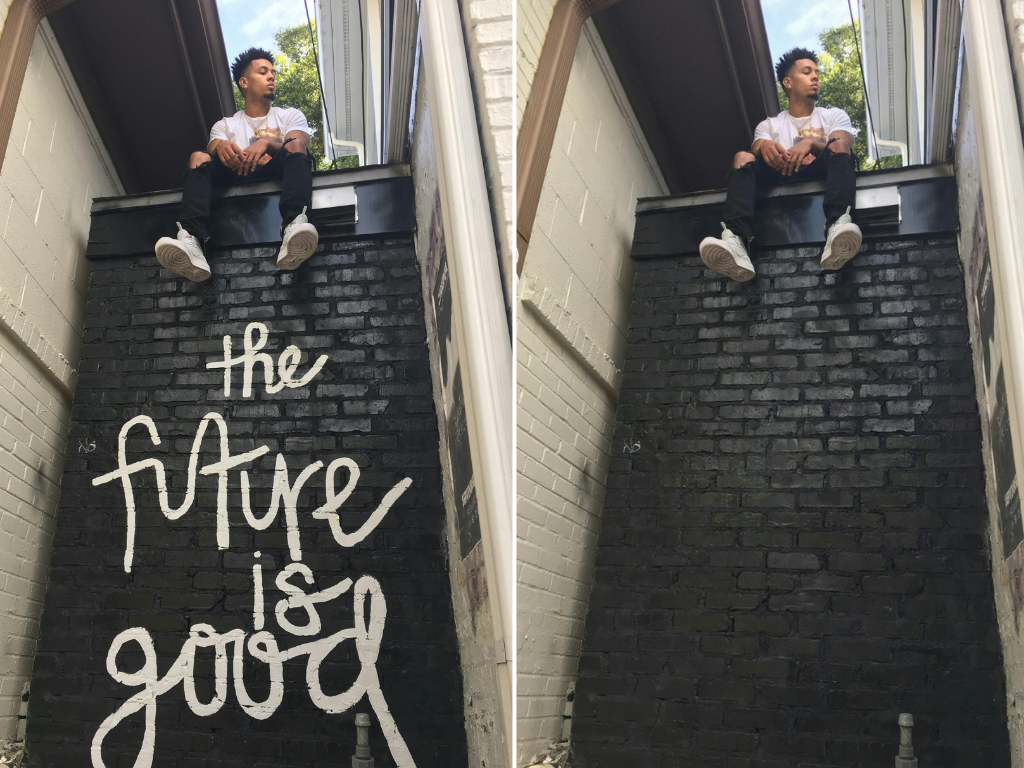
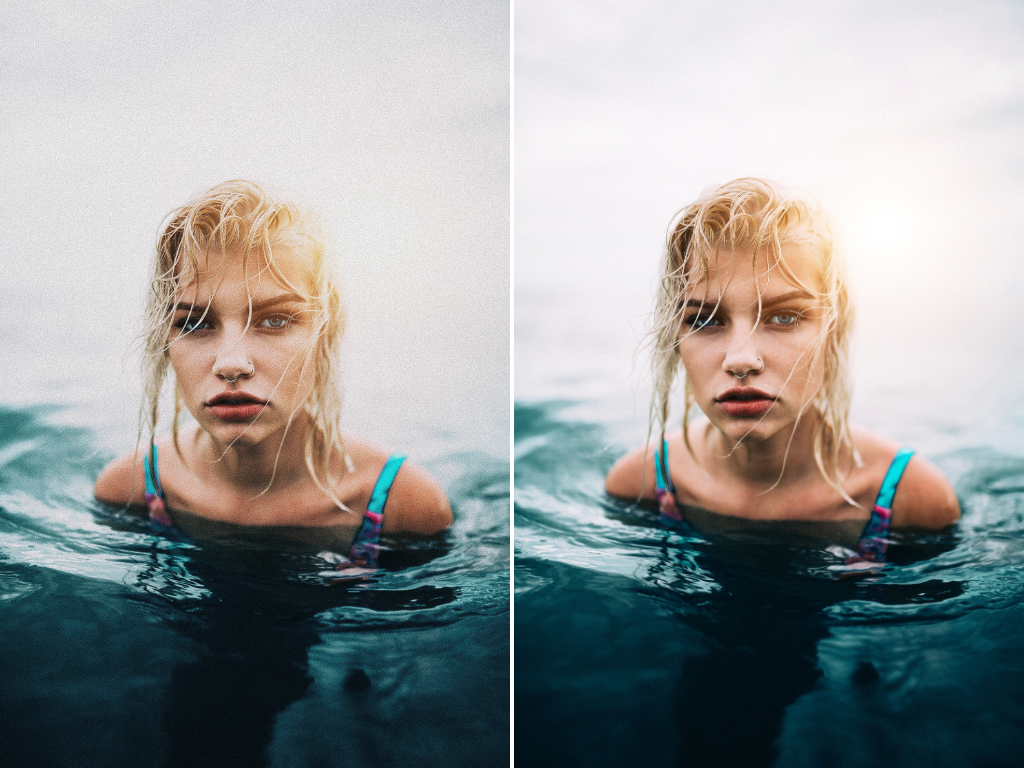
Ready to transform your photos?
Explore All ToolsFrequently Asked Questions
Everything you need to know about Snipz Editor and our services
Snipz provides professional image tools including Face Enhancer for portrait improvement, Image Upscaler for 4x resolution enhancement, Background Remover for instant background removal, Unblur Images for fixing blurry photos, and Image Sharpener for crystal-clear results.
Our Background Remover uses advanced machine learning to detect and remove backgrounds with 99% accuracy in just seconds. It handles complex edges like hair and fur precisely, and you can replace backgrounds with solid colors, gradients, or custom images.
Yes! Our Image Upscaler can increase image resolution up to 4x while preserving fine details and eliminating pixelation. Perfect for enhancing old photos or preparing images for large format printing.
Absolutely! Our Unblur Images tool uses advanced deblurring technology to restore clarity to blurry photos. It can fix motion blur, camera shake, and out-of-focus shots while recovering hidden details.
Yes, all our image tools are designed to enhance while preserving natural appearance. The Face Enhancer improves portraits while maintaining natural facial features, and the Image Sharpener enhances clarity without creating artificial-looking results.
Yes, several of our tools support batch processing, allowing you to enhance multiple images at once. This is particularly useful for the Image Upscaler and Background Remover when working with large sets of photos.
Still have questions?
Can't find the answer you're looking for? Please chat with our friendly team.
People Love Snipz Editor
Join thousands of satisfied users worldwide who trust us with their creative journey
“I'm not a tech-savvy person, but Snipz Editor made me feel like a pro! I can effortlessly enhance and beautify my photos without any hassle. The interface is sleek and easy to navigate, and the wide range of editing options is impressive.”
Jennifer
Content Creator
“As an entrepreneur, time is everything. Snipz Editor makes editing a breeze even without prior knowledge. The speed and efficiency are remarkable, and the final results are top-notch. It's now my go-to tool for professional-grade image editing.”
Mark
Entrepreneur
“Snipz Editor allows me to easily create, modify and manage photos all in one place. The abundance of customizable templates is a massive bonus. It truly empowers my creativity. Highly recommend!”
Ana
Blogger
Trusted by 100,000+ creators and teams
From solo creators to enterprise teams
4.9/5
Average Rating
50M+
Photos Edited
150+
Countries
Start Editing Like a Pro Today
Choose your editing tools and transform your images and videos with professional-grade features