






Effortlessly Transform Your Images
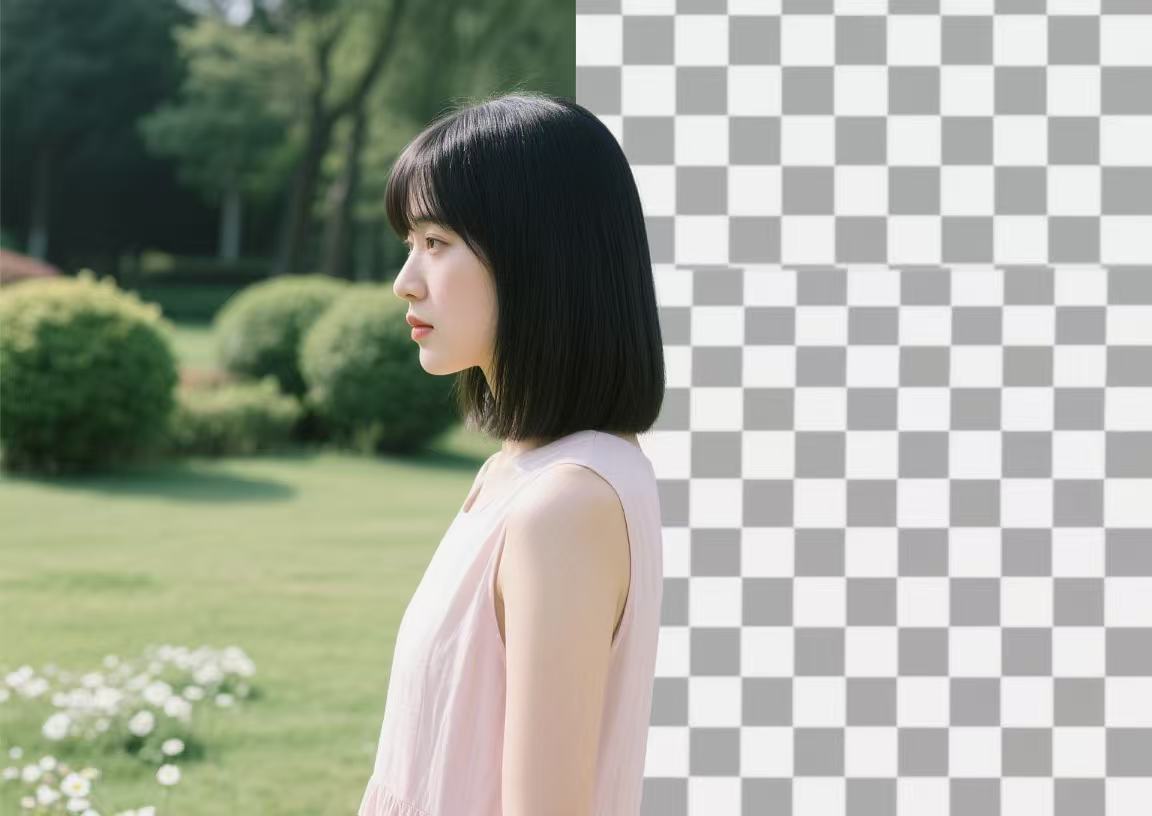
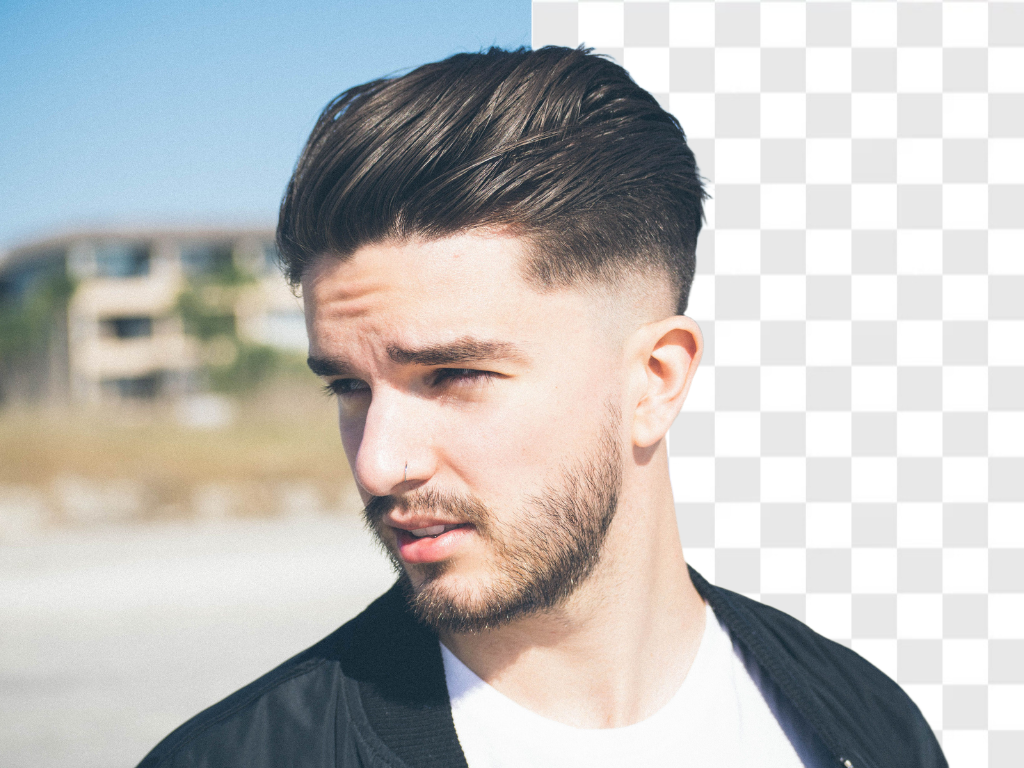
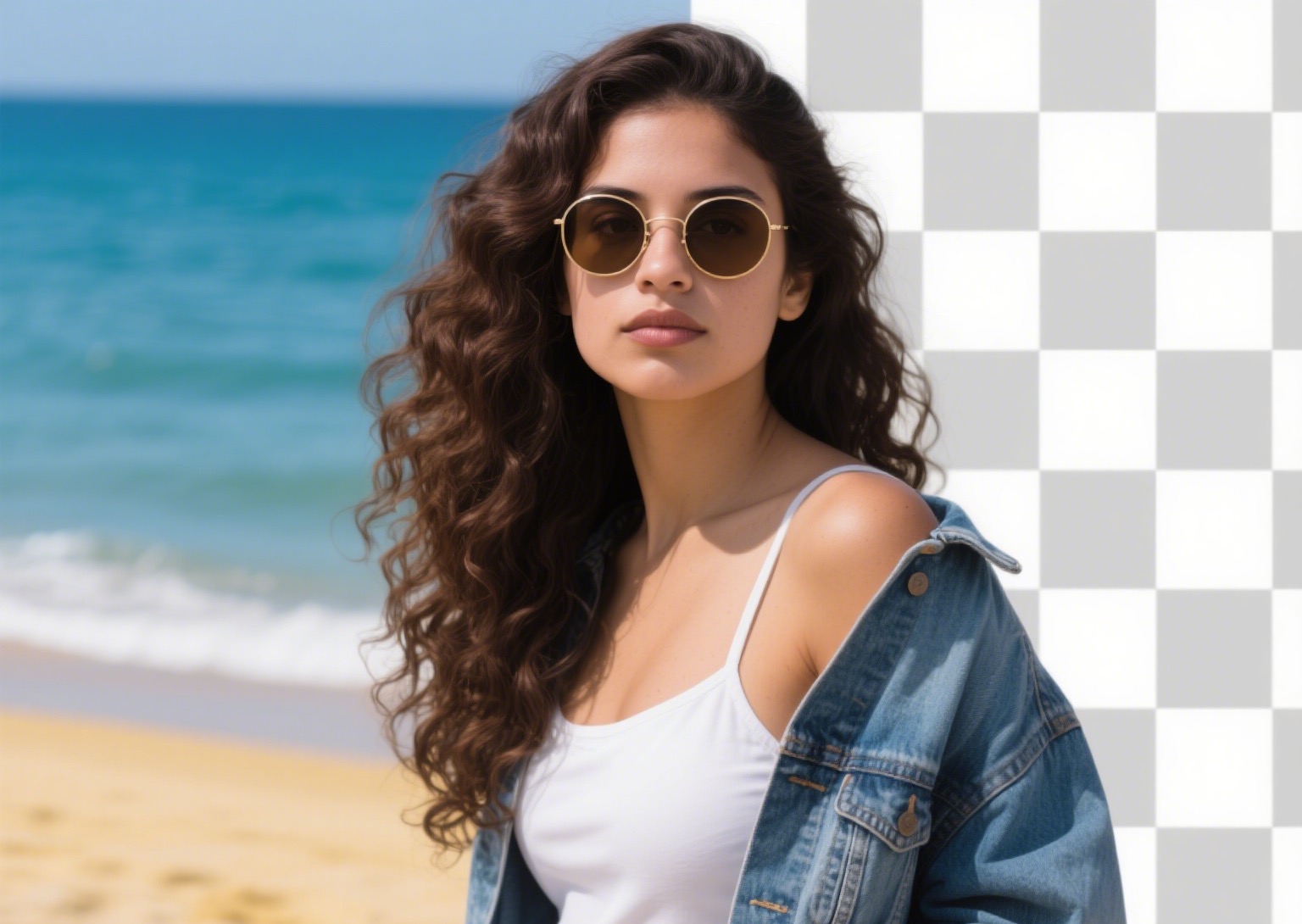
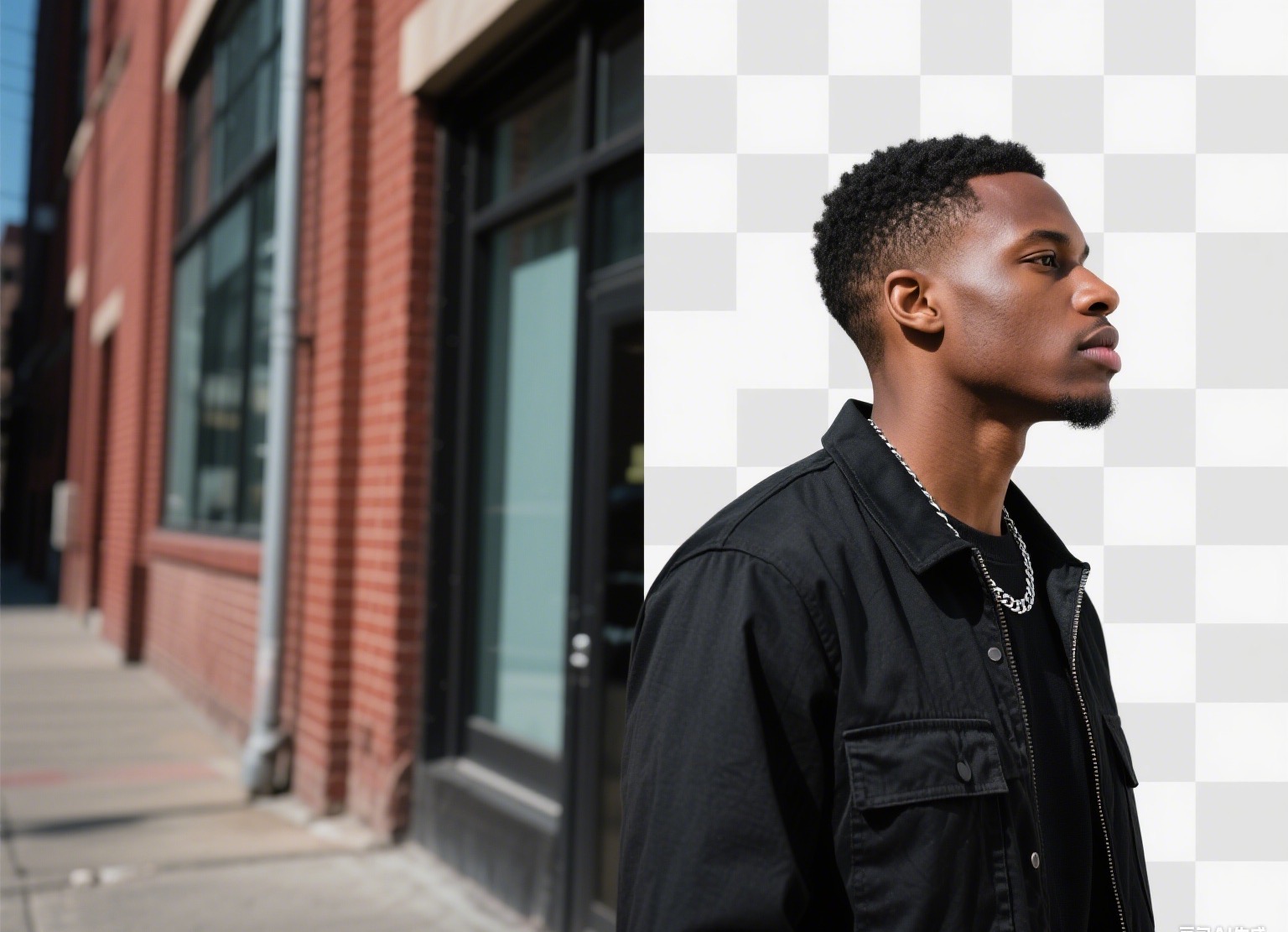
Experience the power of our Background Remover tool! Upload any image and watch as our Tools instantly isolates the subject, removing the background with precision. Perfect for creating professional product photos, stunning portraits, or creative designs in seconds. Try it now and see the magic unfold!
Unleash Your Creativity with Background Remover
Dive into a world of limitless possibilities! Our Editor Background Remover instantly strips away distractions, leaving your subject in sharp focus. Whether you're crafting eye-catching product shots, vibrant social media visuals, or stunning personal portraits, this tool delivers flawless results in seconds. Upload, remove, and create—your masterpiece awaits!
Lightning-Fast Precision
Our advanced instantly detects and isolates your subject, removing backgrounds with pixel-perfect accuracy. Transform your images in seconds, no manual editing required!
Versatile Creative Control
From product photography to social media graphics, seamlessly swap or remove backgrounds to craft stunning visuals that captivate your audience across any platform.
User-Friendly Simplicity
No design skills? No problem! Upload your image, and our intuitive tool delivers professional-grade results with a single click, making creativity accessible to everyone.
Make Every Image Pop with Background Remover
Transform your photos with a single click! Our cutting-edge Background Remover effortlessly isolates your subject, erasing cluttered backgrounds to create clean, professional visuals. Perfect for e-commerce, graphic design, or personal projects, it’s time to elevate your images with precision and flair. Try it now and see the difference!
How To Create Background Remover Photo on Snipz Editor?
Step 1
Start by selecting a photo from your device. Whether it’s a portrait, product shot, or creative snapshot, our Editor Background Remover is ready to work its magic.
Step 2
With just one click, our intelligent isolates your subject and removes the background flawlessly. Preview the result to ensure it’s perfectly polished and ready to shine.
Step 3
Save your clean, background-free image or share it instantly on social media. Elevate your visuals and let your creativity stand out effortlessly!