





Experience the power of our People Remover tool
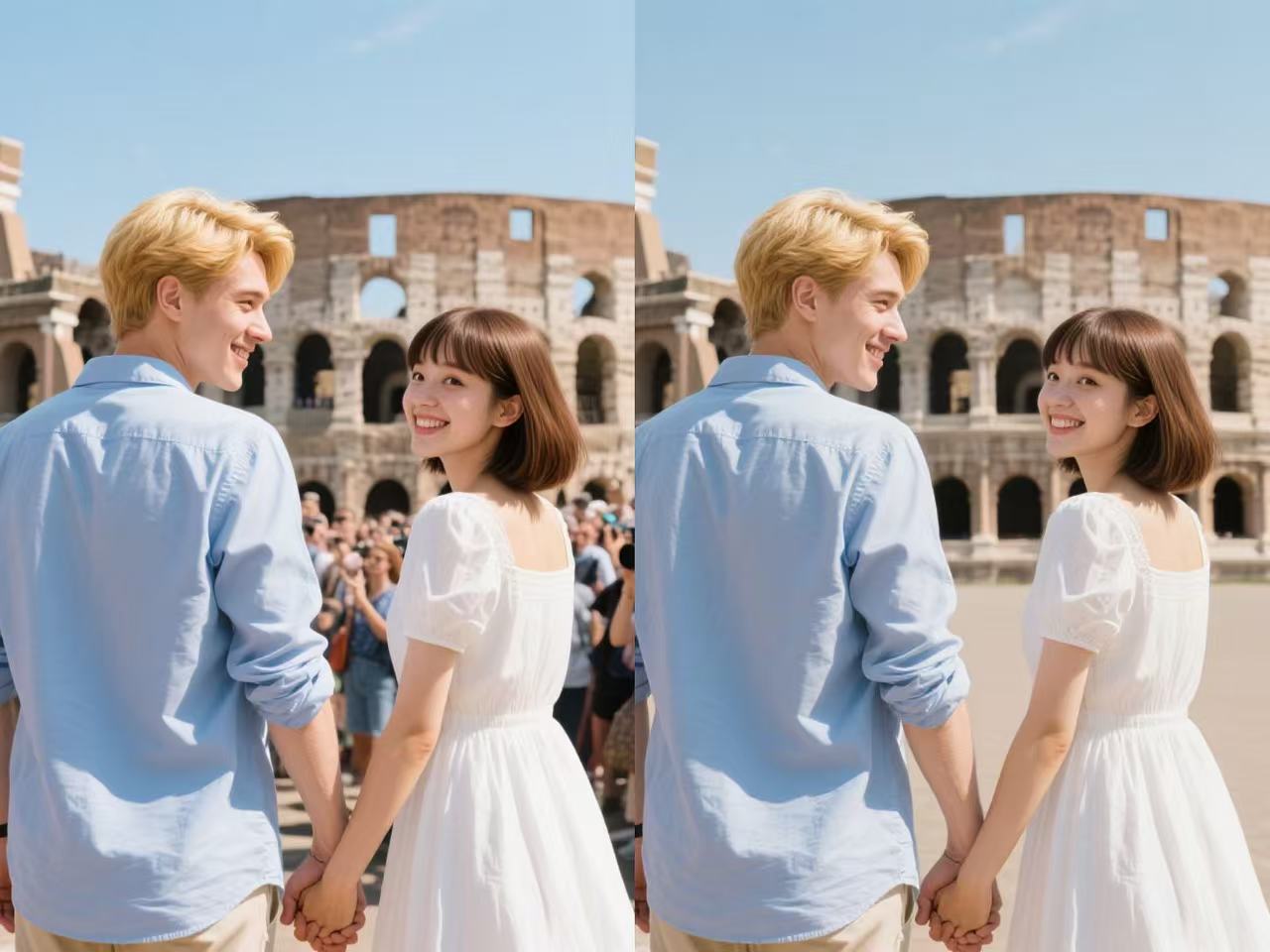
Effortlessly remove unwanted people from your photos with just a few clicks, preserving the background seamlessly. Upload an image, select the individuals to remove, and watch our advanced Editor work its magic to deliver a clean, professional result in seconds. Perfect for enhancing travel shots, event photos, or any image where you want the focus on the scene, not the crowd. Try it now and see the difference!
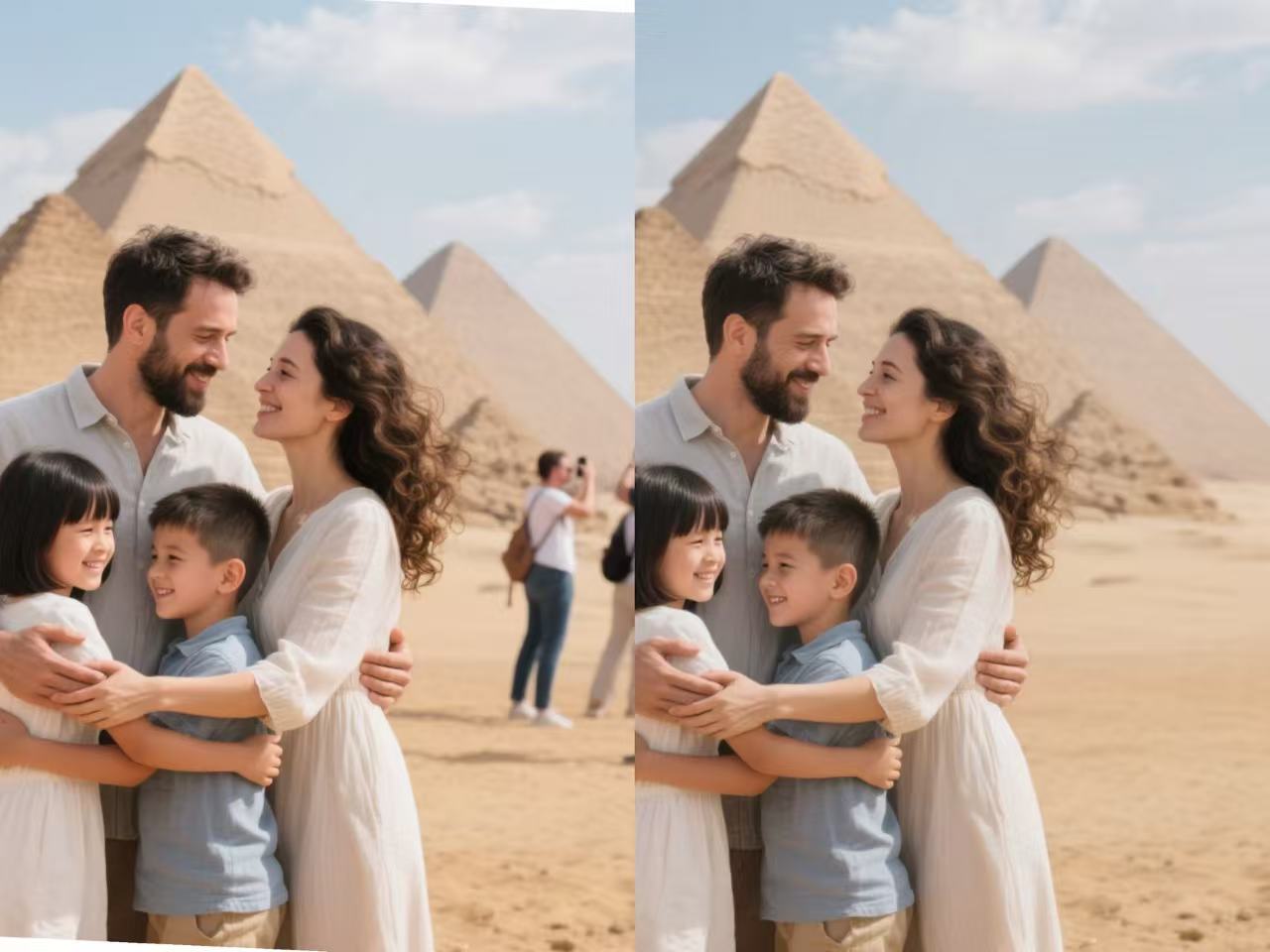
Transform Your Photos with Editor Magic
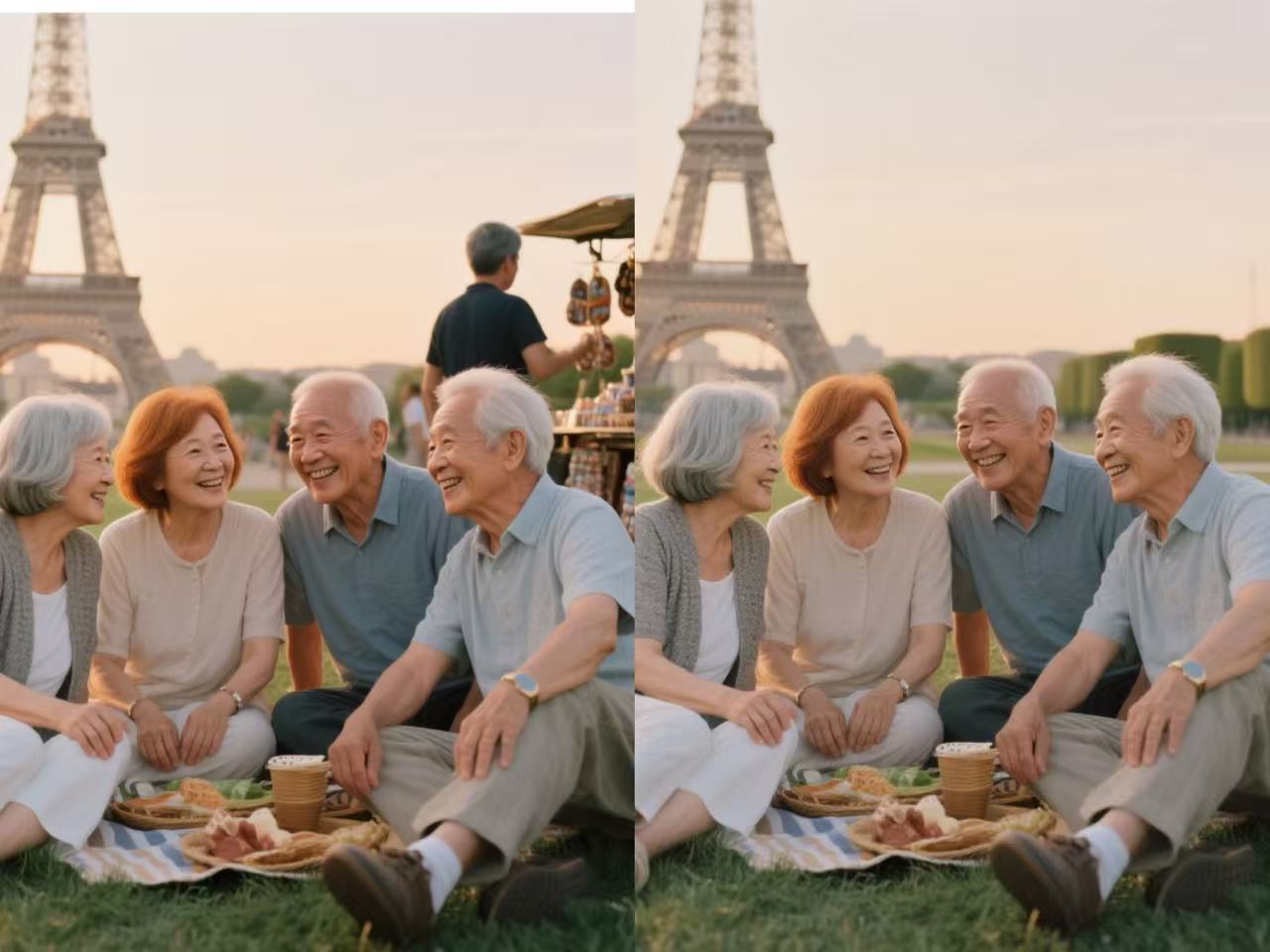
Unleash the full potential of your images with the Editor People Remover! Say goodbye to photobombers and crowded scenes in seconds. Our cutting-edge Editor seamlessly erases unwanted people, preserving every detail of your stunning backgrounds. Whether it’s a serene landscape or a vibrant cityscape, make your photos picture-perfect with effortless precision. Upload now and experience the magic of a distraction-free masterpiece!
Seamless People Removal with Precision
Transform your images effortlessly with our People Remover’s advanced object detection technology. This feature intelligently identifies and removes unwanted individuals from your photos while preserving every intricate detail of the background. Whether it’s a bustling tourist spot or a lively event, our Editor ensures smooth, natural results that make it look like no one was ever there. Perfect for creating clean, professional-grade images without the need for complex editing skills.
Instant Results with User-Friendly Interface
Say goodbye to time-consuming photo edits! Our People Remover delivers lightning-fast results with an intuitive, easy-to-use interface. Simply upload your image, select the people you want to remove, and let our Editor work its magic in seconds. Designed for both beginners and professionals, this feature streamlines your workflow, allowing you to focus on capturing the moment rather than perfecting it in post-production.
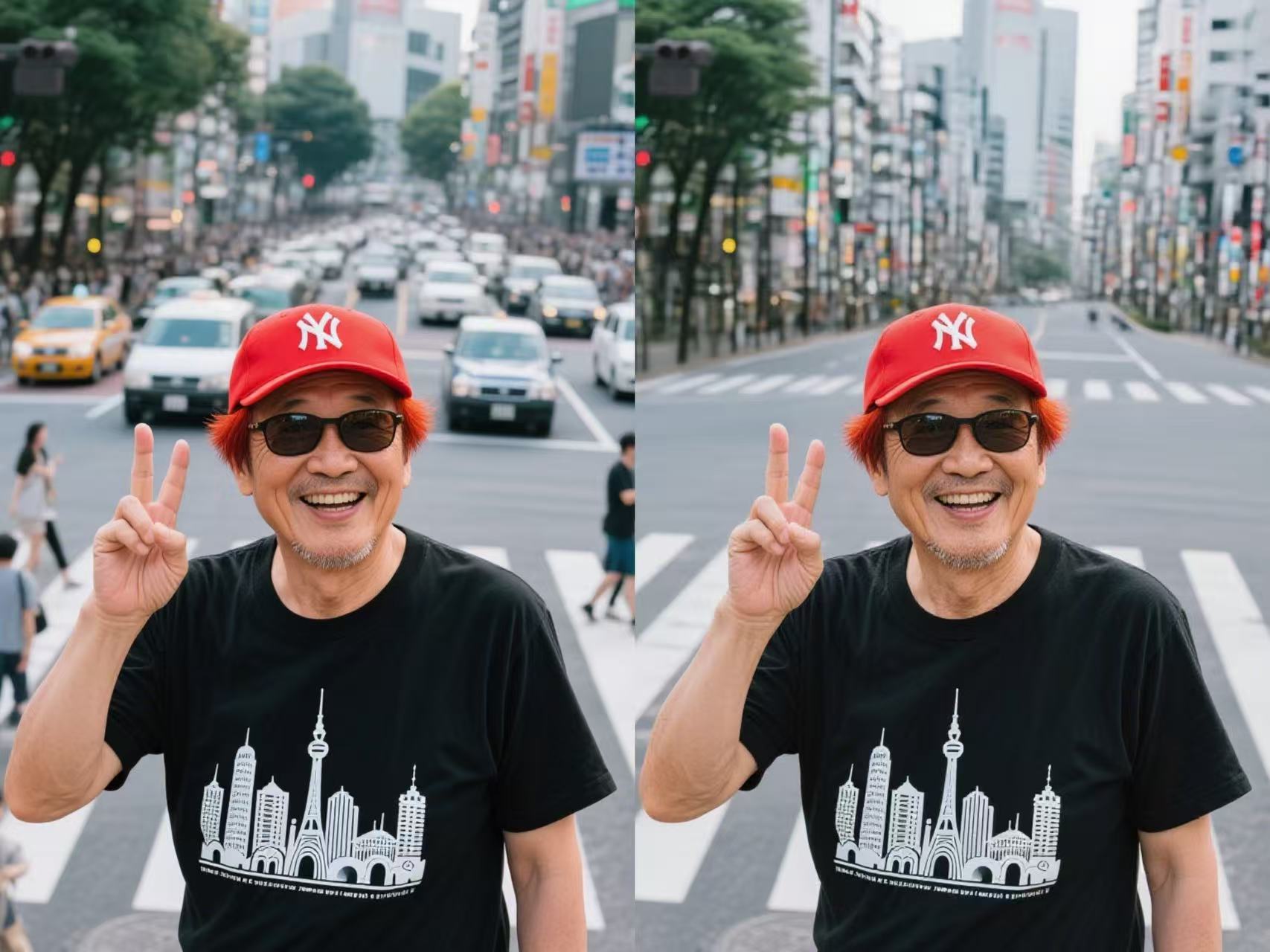
Versatile Editing for Any Scenario
From serene landscapes to vibrant urban shots, the People Remover adapts to any setting with unmatched versatility. This feature excels at handling complex backgrounds, lighting conditions, and diverse image types, ensuring flawless results every time. Whether you’re enhancing travel photos, preparing product shots, or crafting creative projects, our Editor empowers you to remove distractions and highlight the beauty of your scene with unparalleled ease.
Picture Perfection, One Click Away
Elevate your photography with the People Remover! Instantly remove unwanted people from your images while keeping the scene flawless. Our powerful Editor delivers professional-grade results, turning cluttered shots into captivating visuals. Perfect for travel memories, event captures, or creative projects, this tool ensures your focus stays on what matters most. Try it today and redefine your photos with ease!
How To Create Image Upscaler Photo on Snipz Editor?
Step 1
Start by selecting an image from your device. Whether it’s a crowded travel snapshot, a busy event photo, or a portrait with unwanted passersby, our People Remover is ready to create a clean, distraction-free image while preserving the beauty of your scene.
Step 2
With a single tap, highlight the people you want to remove from your photo. Our advanced Editor instantly analyzes the image and seamlessly erases the selected individuals, intelligently filling in the background for a natural, polished look. Preview the result to ensure it meets your vision.
Step 3
Once your image is perfected, download it to your device or share it directly to social media. Showcase your flawless, crowd-free photo and let the focus remain on the moment that matters most!