





Experience the power of our Logo Background Remover tool
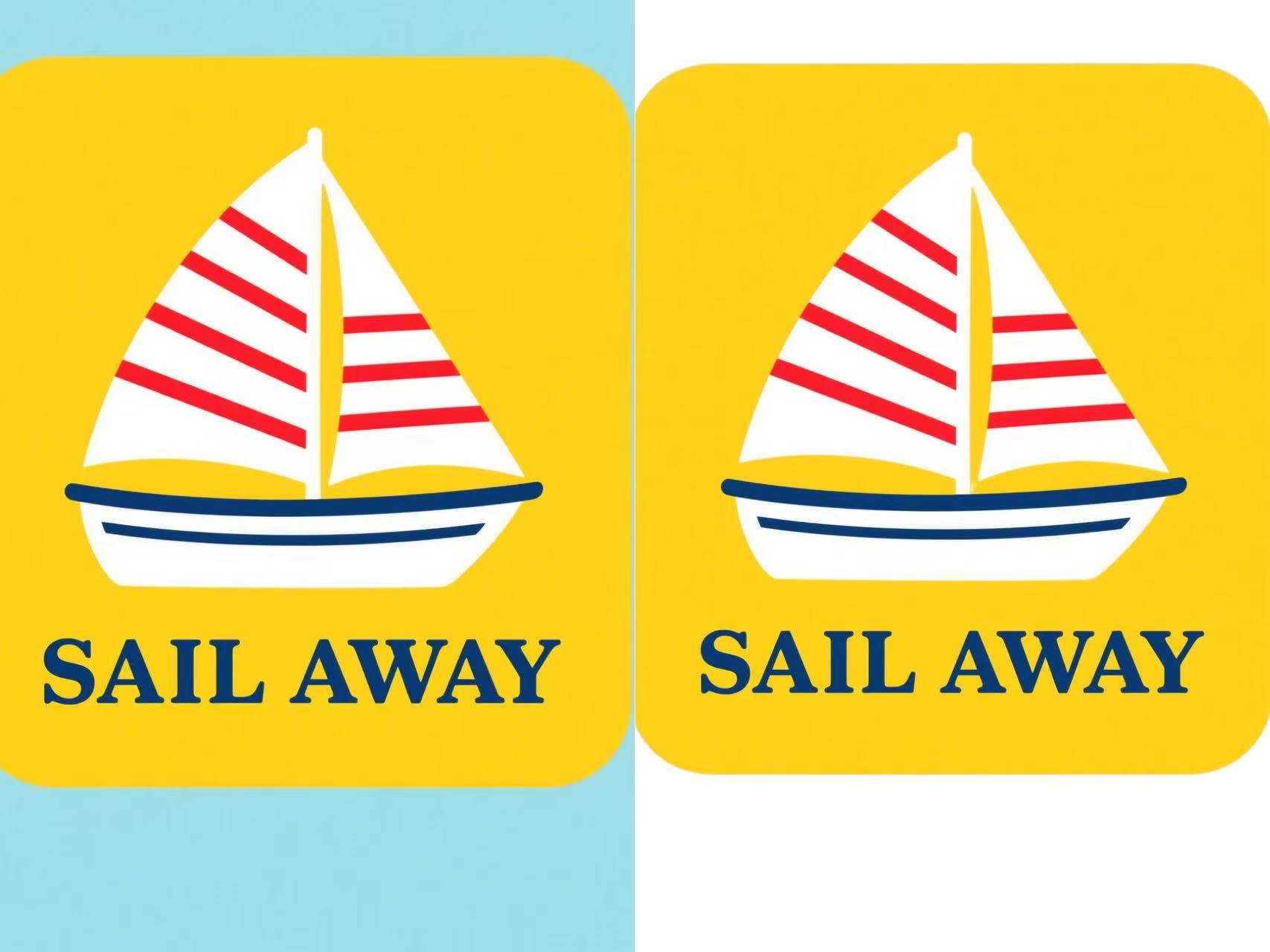
Upload your logo, and watch as our Editor seamlessly removes the background in seconds, leaving a clean, transparent image ready for branding, marketing, or design projects. Try it now and see how easy it is to create professional-grade visuals with just one click!
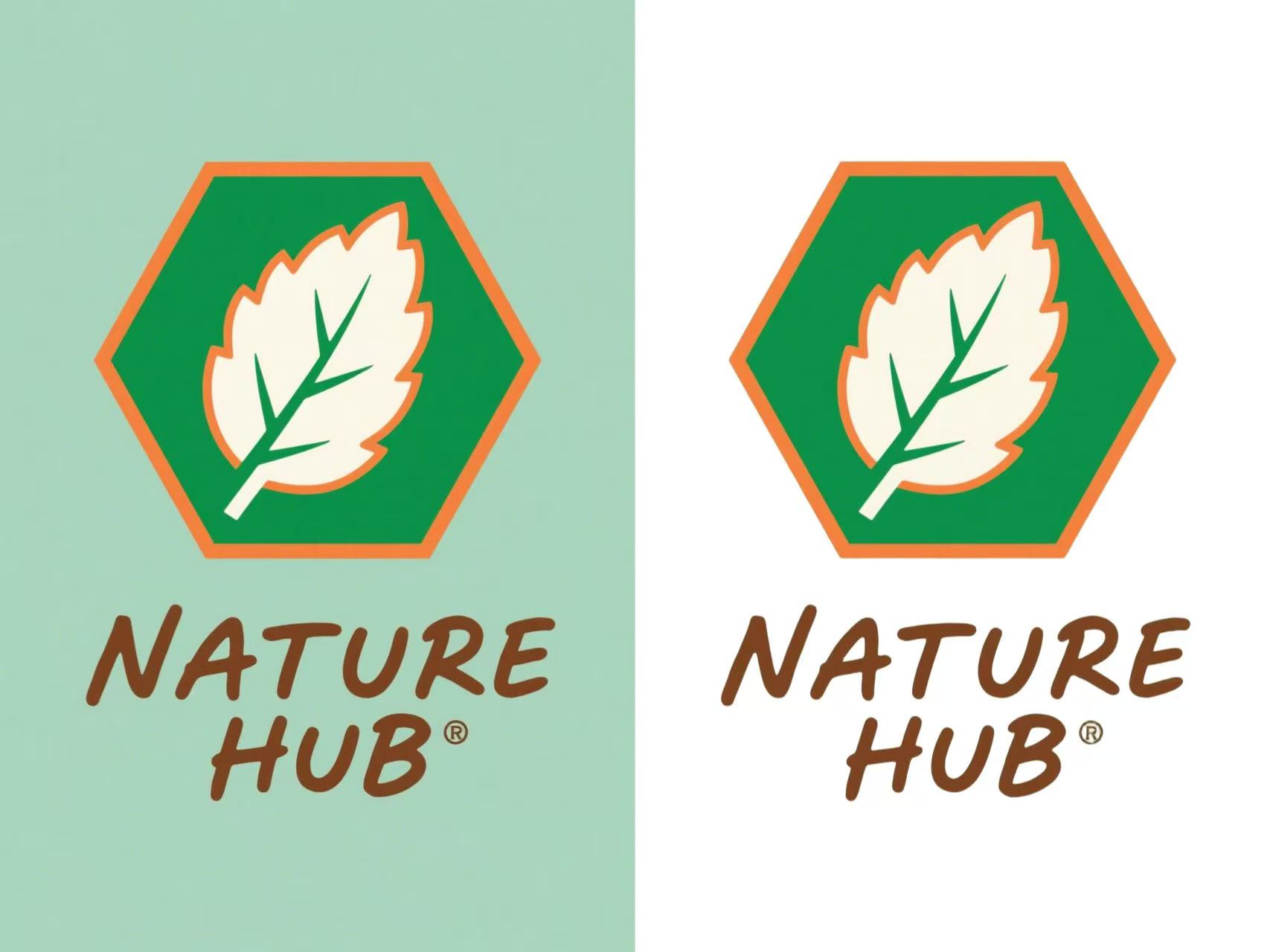

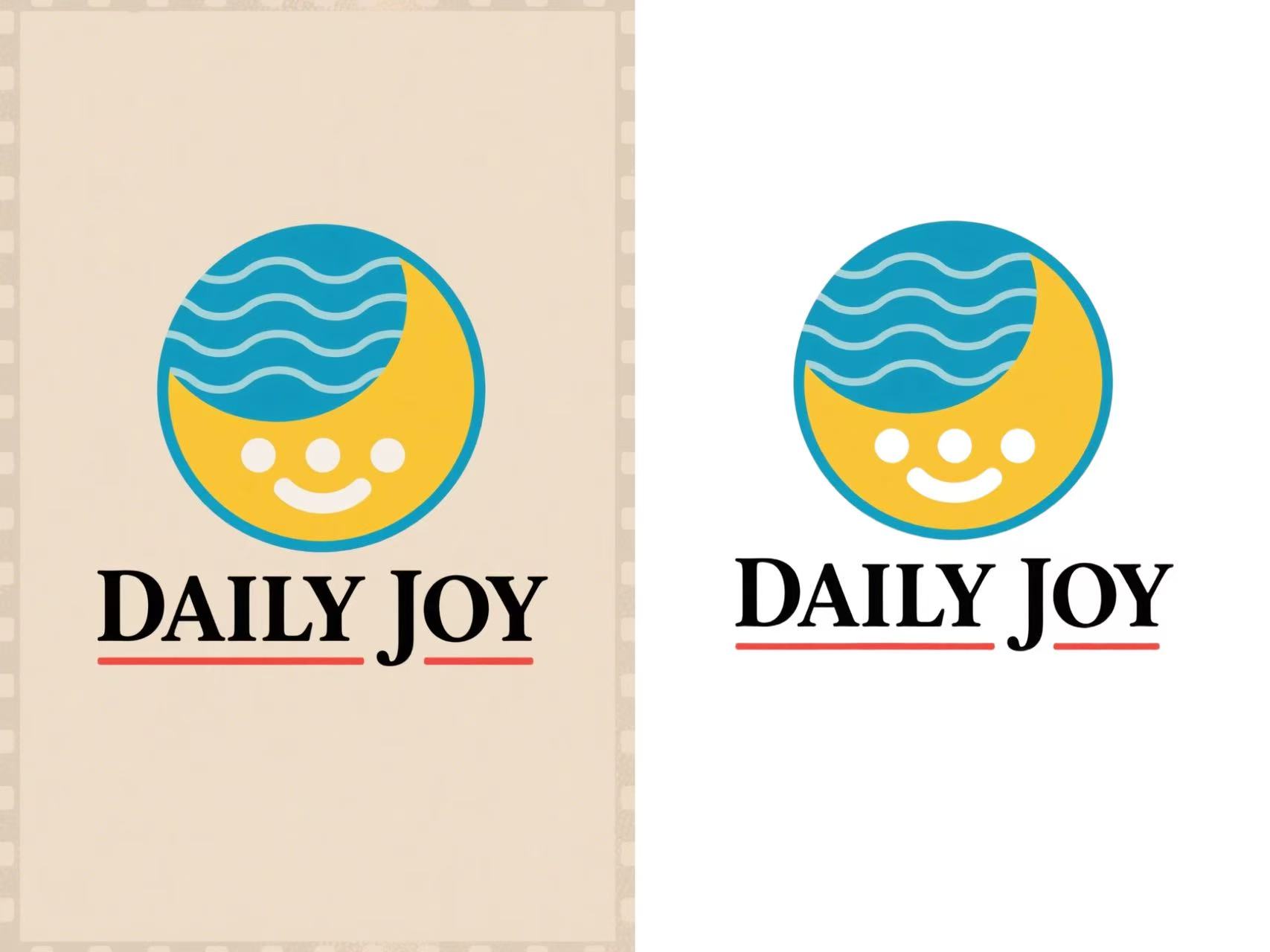
Transform Your Logo with One Click
Unleash your brand’s potential with our Logo Background Remover! Our cutting-edge Editor instantly strips away cluttered backgrounds, delivering a crisp, transparent logo ready to shine on any platform. Perfect for designers, marketers, or entrepreneurs—elevate your visuals effortlessly and make your logo pop like never before!
Lightning-Fast Editor Precision
Our Logo Background Remover harnesses advanced Editor to erase backgrounds with surgical accuracy in mere seconds. Whether it’s a complex logo with intricate details or a bold design with vibrant colors, our tool detects edges flawlessly, ensuring a clean, transparent result that’s ready for any project. No more tedious manual editing—just upload and let the Editor work its magic, saving you time and effort for your creative vision.
Versatile Output for Any Platform
Transform your logo into a versatile asset that shines across all mediums! Our tool delivers high-quality, transparent PNGs that seamlessly integrate into websites, marketing materials, merchandise, or social media posts. With support for high-resolution outputs, your logo retains its sharpness and clarity, making it perfect for everything from business cards to billboards, all with a professional, polished look.
User-Friendly, No Skills Required
Designed for everyone, from design novices to seasoned pros, our intuitive interface makes background removal a breeze. Simply drag and drop your logo, and our Editor handles the rest—no complicated software or technical know-how needed. With real-time previews and one-click downloads, you’ll have a stunning, background-free logo ready to elevate your brand in moments, empowering creativity without the learning curve.
Make Your Logo Stand Out Instantly
Say goodbye to messy backgrounds and hello to sleek, professional logos! With our Editor-powered Logo Background Remover, you can upload your image and get a flawless, transparent result in seconds. Ideal for websites, merch, or social media—create stunning visuals that capture attention with zero hassle!
How To Create Logo Background Remover Photo on Snipz Editor?
Step 1
Start by selecting a logo from your device. Whether it’s a bold brand emblem, a detailed graphic, or a simple icon, our Logo Background Remover is designed to handle any image with ease, setting the stage for a professional, transparent result.
Step 2
With a single click, our advanced Editor analyzes your logo and removes the background with pinpoint precision. Preview the clean, transparent output in real-time to ensure every detail is perfect and ready for your creative needs.
Step 3
Save your polished, background-free logo as a high-quality PNG, ideal for websites, marketing, or merchandise. Share it directly to social media or your design platform to showcase your brand’s sleek, professional look instantly!